Anchors:
Cloud technologies
Tools in the hands of our developers...
PrestaShop
E-commerce platform
An e-commerce platform that allows you to create and manage online stores.
Docker Engine CE
Containerization platform
It allows applications to run in isolated environments, known as containers.
Redis cluster
Data storage
Scalable data storage in memory ensures fast access and high service availability.
MySQL/MariaDB
Relational databases
Used to store application data in an efficient, scalable and reliable manner.
Backup Storage
Data container
Used to store application backups, providing protection against data loss.
GIT
Version control system
Used to track code changes and collaborate by managing branches, commits and pull requests.
Move your e-business to the cloud!
Manage performance as needed.
Open the door to a new era of efficiency, let your store/website run faster, be more efficient and available to customers.
Our Cloud service offers unlimited scalability, so you can adapt your resources to your current business needs. Whether you're experiencing busy periods or need more computing power, the cloud will give you the flexibility you need.
Advantages of the cloud
and flexibility
savings
availability (SLA 99,7%)
speed
Scalability and flexibility...
...are key features of a cloud server
Scalability and flexibility allow you to dynamically adapt resources to changing business needs. Scaling a cloud server can be done by scaling vertically or horizontally, depending on the application needs and business requirements.
Vertical scaling
Vertical scaling involves increasing or decreasing the processing power, memory resources, and disk space of a computing unit, such as a single server. This means that you expand a single server to increase its performance or capacity.

Scaling
CPU
RAM
NETWORK
- 30 GB
- 8 GB
- 2 GB
- 500 MB
- 100 MB
- 20 MB
- 5 MB
- 1 MB

Improved performance on a single server
Adapting to growing computing needs. When an application requires more computing power, you can easily increase the processor power, RAM or disk space on one server.
Simplicity of Management
Vertical scaling may be more attractive to some companies due to its ease of management. If you need to increase computing power, you only need to update the server parameters - it is easier and faster than implementing additional servers.
Horizontal scaling
Horizontal scaling allows you to dynamically adapt to changing application needs. Unlike traditional vertical scaling, horizontal scaling spreads the application load by adding additional server instances.
Scaling
CPU
RAM
CPU
RAM
CPU
RAM

Automation
When traffic on a website or store application increases, additional server instances are automatically launched to ensure smooth operation. However, when the load drops, unnecessary resources are automatically removed, which saves costs.
Security
By distributing the load over many servers, a drop in the performance of one of them does not significantly affect the operation of the entire application. Additionally, if one server fails, the remaining instances can continue to handle traffic, minimizing the risk of downtime.
What does our
cloud migration process look like?
Leave the worst to us! You do not have to worry about anything!
The cloud migration process has been carefully designed by us to ensure a smooth and effective transition of your website. We start with a thorough understanding of your needs and requirements to design a personalized migration plan that suits your business goals. Our experienced team of specialists will supervise every stage of the migration to ensure that everything will go according to plan.
Needs analysis and preparation of an offer
Transmission access data
Analysis of data transfer operations
Migration and launch of the environment
Pay only for the resources you use!
Cost optimization - payment model based on consumption.
One of the key advantages of cloud server services is their billing model, which allows you to pay only for the resources actually used. In the traditional approach to IT infrastructure, there is a need to invest financial resources for the purchase and maintenance of equipment, regardless of whether they are fully used.
In the case of cloud services, you only incur costs for the actual use of resources, which translates into significant optimization of your IT budget.
Cost calculator
Calculate the estimated cost of a cloud server
Take advantage of the dynamic allocation of server resources such as RAM and CPU power. Give freedom and what the store application requires, without the need for manual intervention.


Estimated price
2.74 / tax excl.
for hour
1432.74 / tax excl.
for month
PrestaShop Cloud
this is what your store needs!
Provide your online store with unlimited possibilities thanks to our advanced cloud server dedicated to the platform PrestaShop. Get rid of limitations and turn your dreams of a dynamic and scalable online store into reality..
Get rid of limitations
Automatic vertical scaling
Take advantage of the dynamic allocation of server resources such as RAM, CPU power. Give freedom and what the store application requires, without the need for manual intervention.
Allocate RAM to:
+32 GB
Add CPU power to:
+100 GHz
Pay only for the actual consumption of resources
Use our calculator and check the estimated cost of maintaining your store in the cloud.
Server nodes
A node is a separate instance with its own resources.
Load Balancer
specialized server with the selected application
Server application
node balances loads between application servers
Database
tank node of structured applications
Horizontal scaling of node resources
Dynamic resources
You only pay for the resources you use
Consumption monitoring
Alerts and constant monitoring
Real-time statistics
Ability to track consumption in real time
GitHub
Store repository
Cloud advantages
- Ease of increasing resources
- Freedom to adjust parameters to your needs
- Automation
- You only pay for the actual use of resources
- Ability to set limits
- No fees for unused server parameters
- SLA 99,7%
- Low risk of failure
- Redundancy and data replication on multiple servers
- Quick app launch
- Short start-up (reboot) time
- Cloning environments
- Docker

Do you have a question?
Contact us, our specialist will provide you with the necessary information.
We are here to provide you with support and answers to all your questions. Do not hesitate to reach out for our help - we are ready to support you!
Related posts
Nowy post
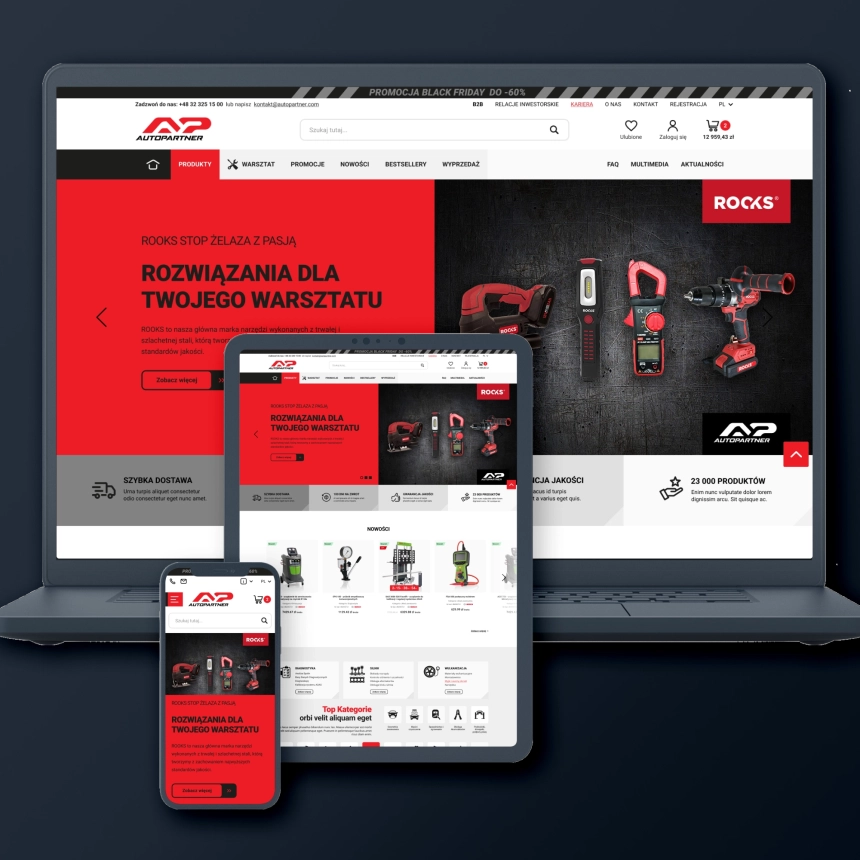
A cooperation for many more years to come. I am strongly in favour and warmly recommend them. My project: kupopony.pl